Remove the background from your images instantly
100% automatic. No installation. In seconds.
No image? Try an example:
By uploading an image or URL, you agree to our Terms of Service. To learn more about how Remove-Bg uses your personal data, see our Privacy Policy.


One image. Endless possibilities.
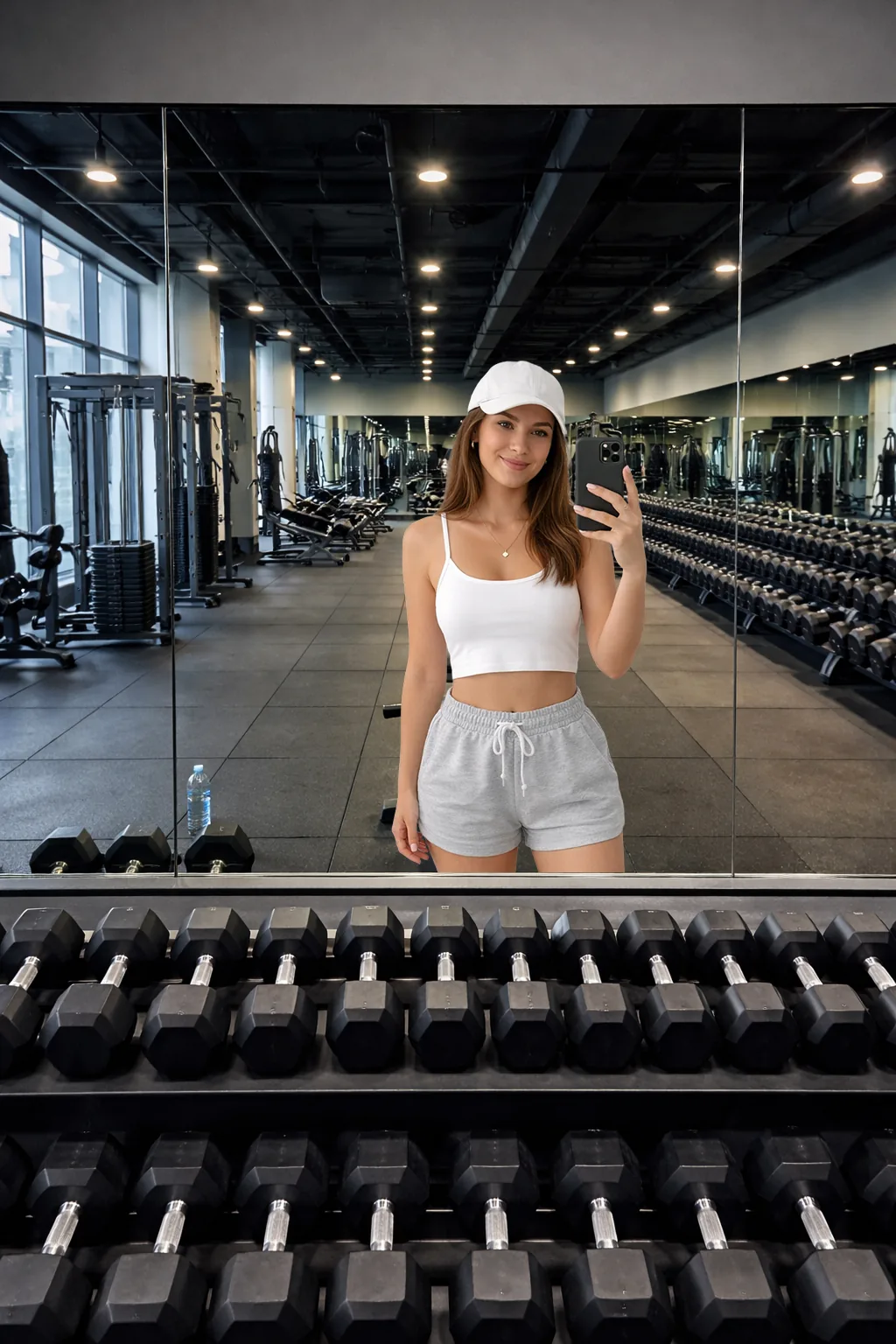
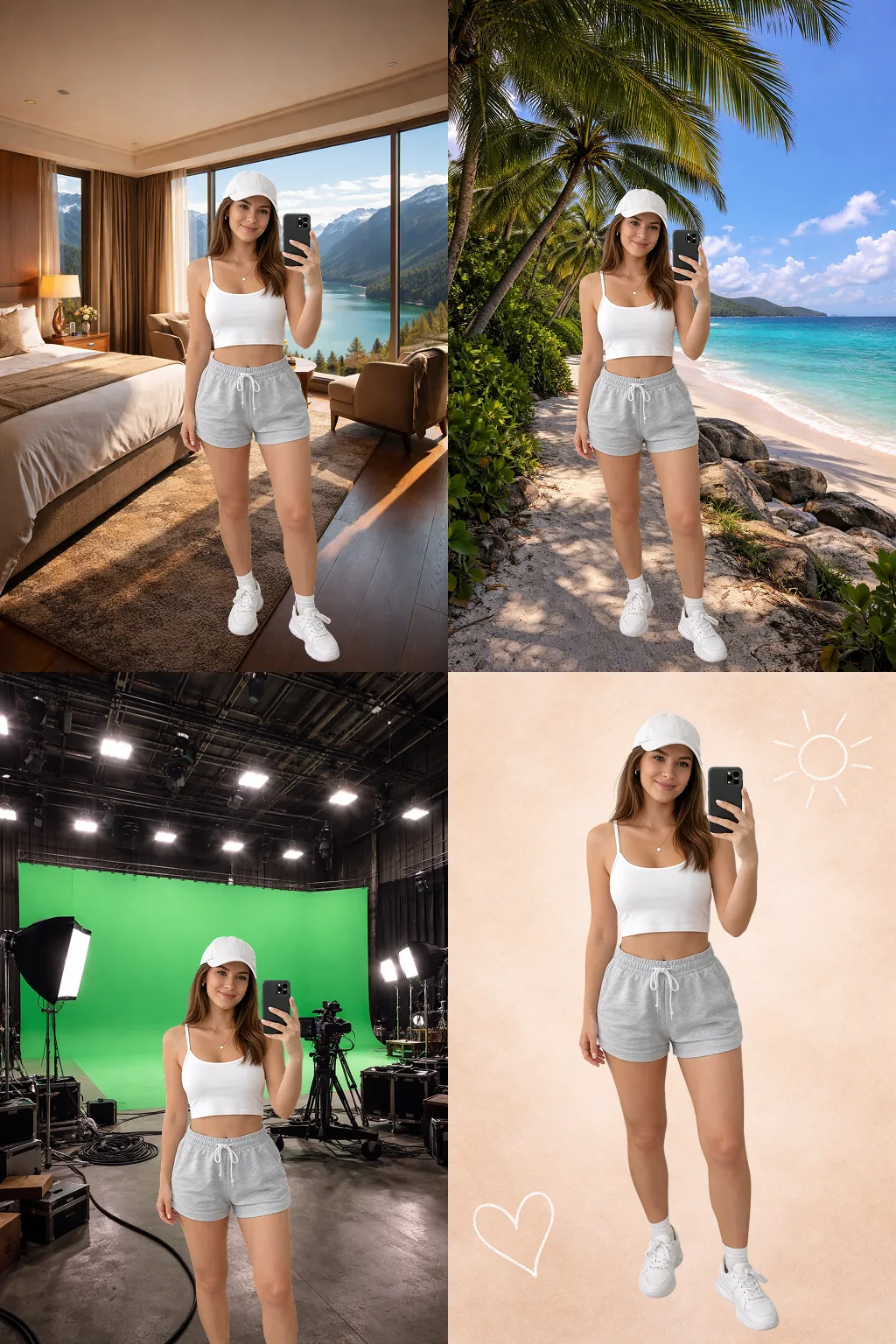
Remove the background and drop in whatever you like. It's that easy.
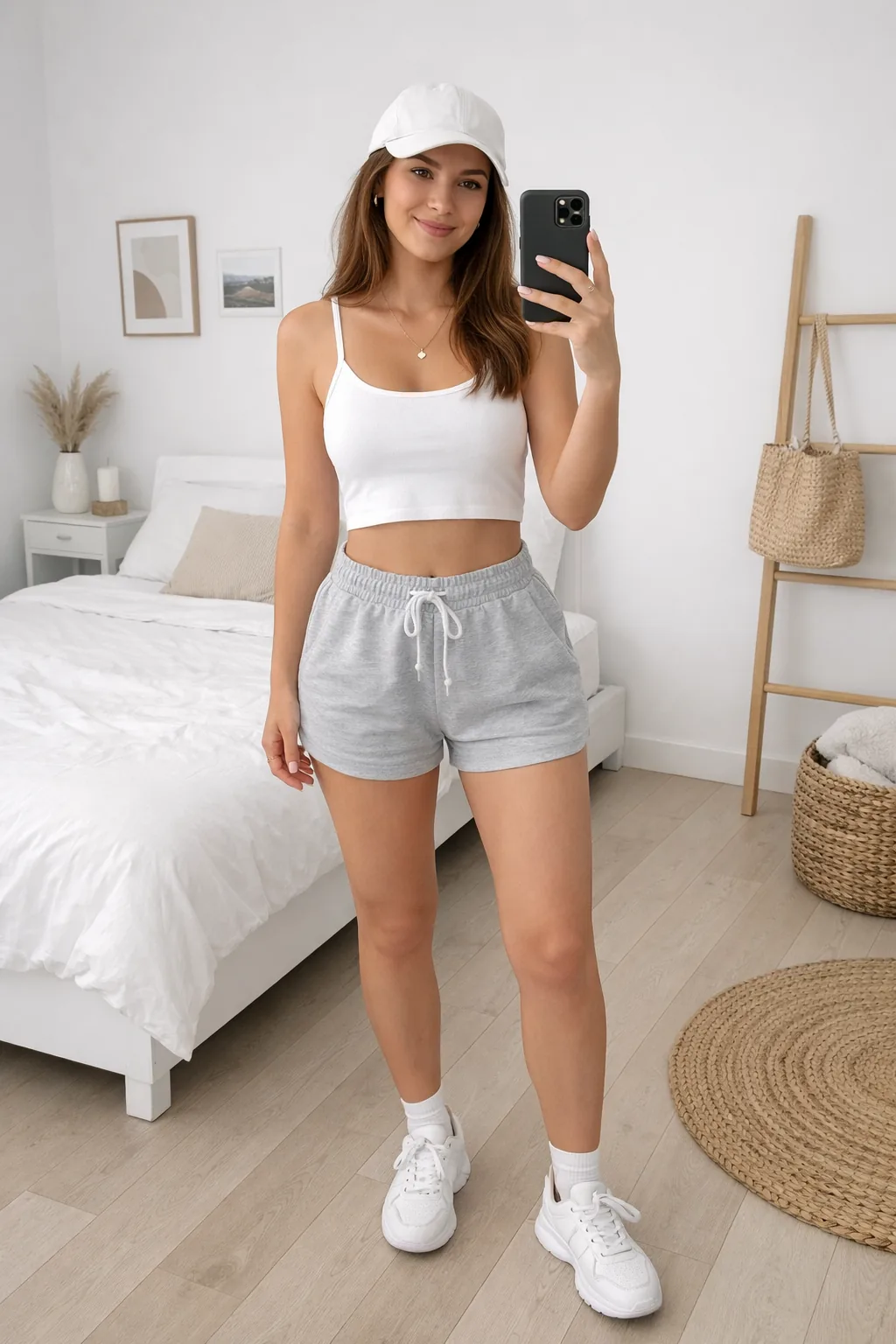
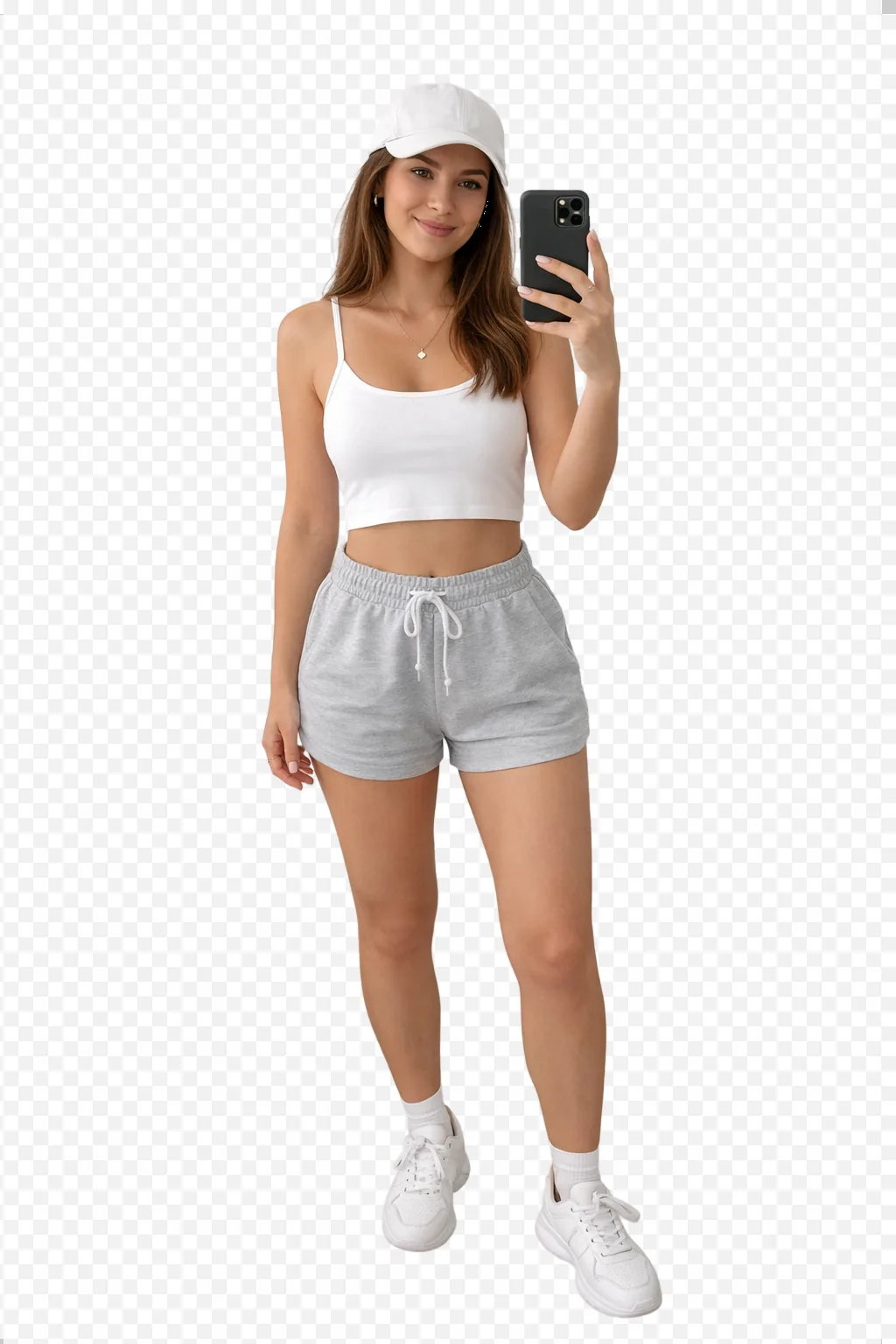
Three steps. Five seconds.
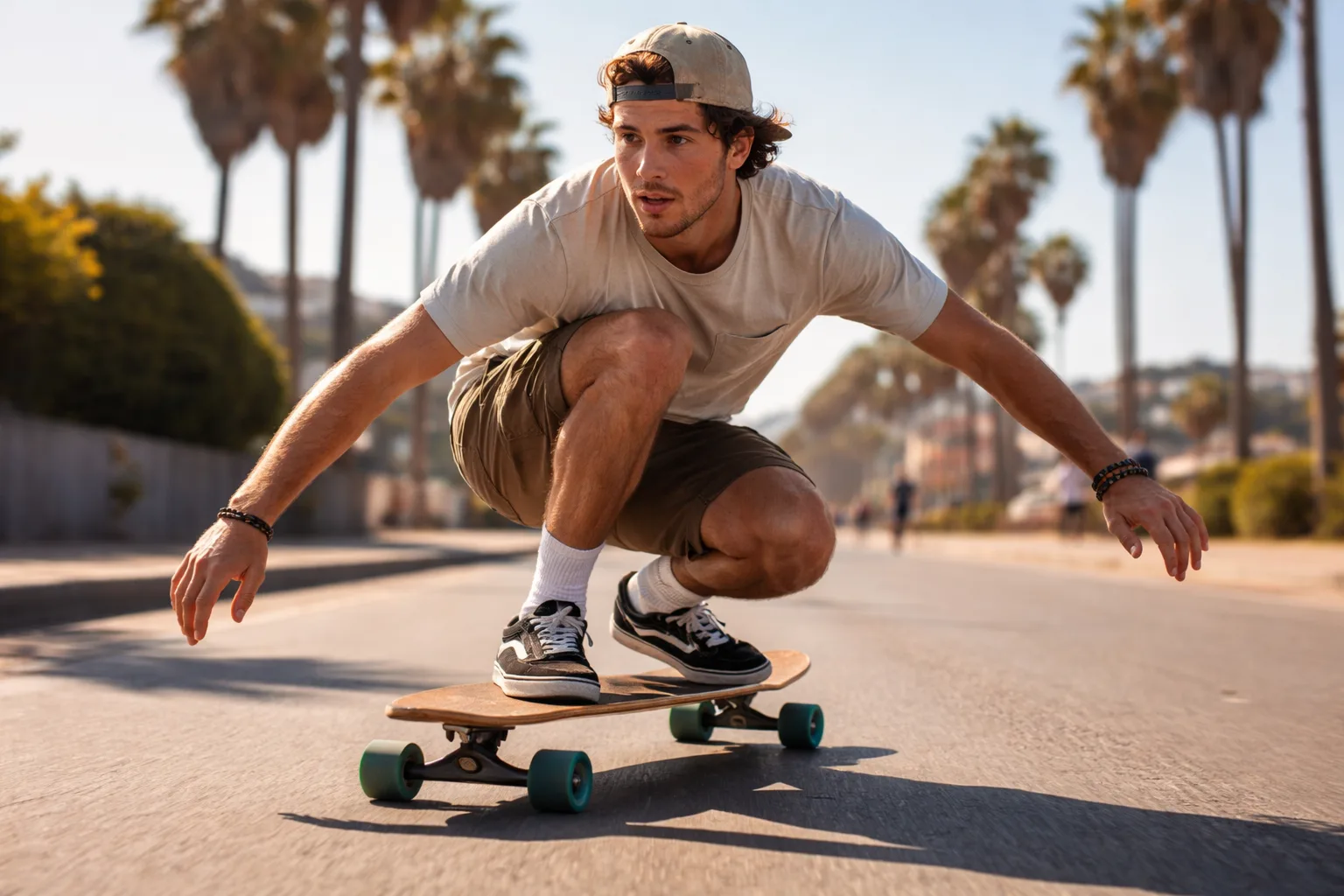
Upload your image
Drag, paste, or pick it from any device. Any format.
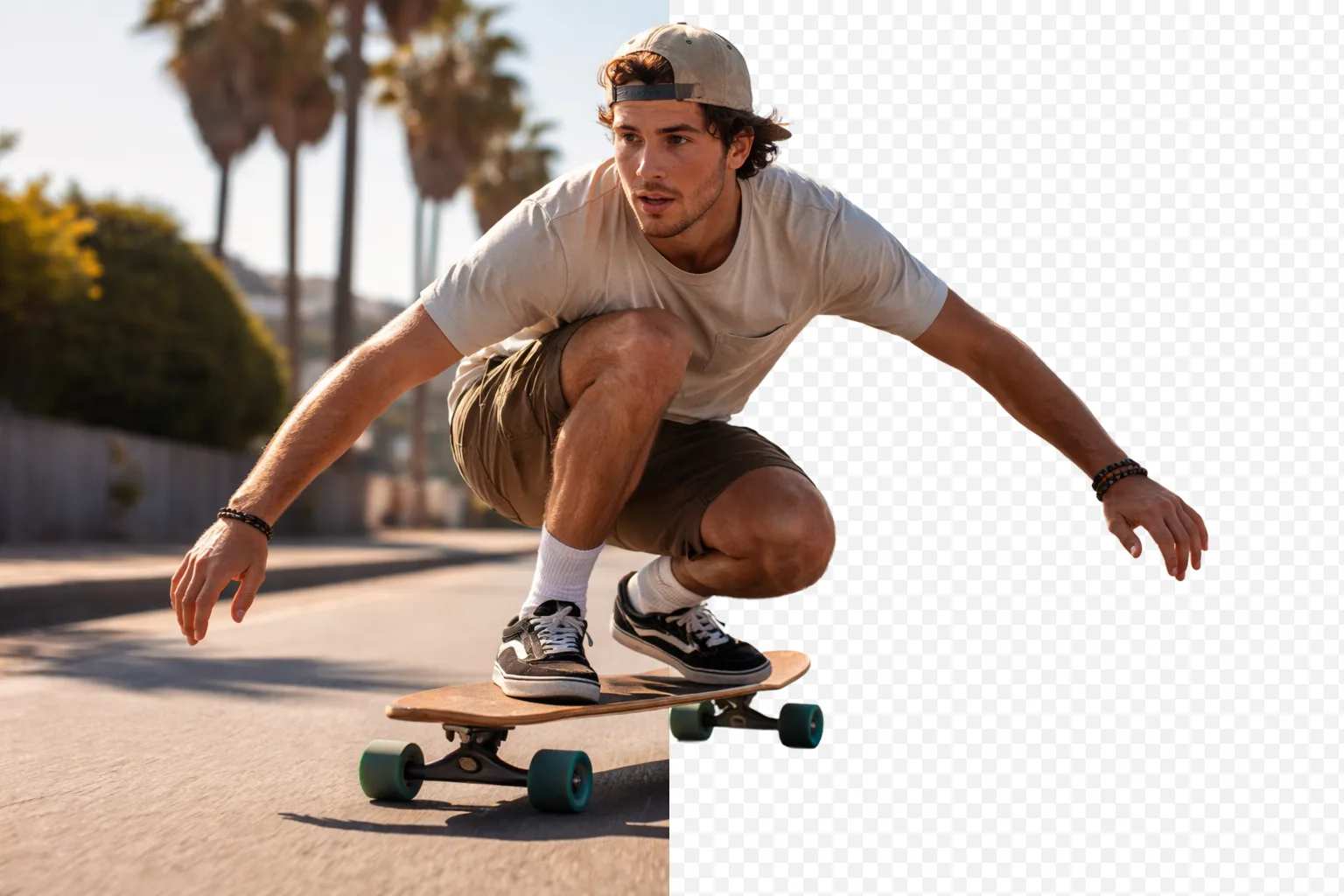
We remove the background
Automatic subject detection. Perfect edges in seconds.
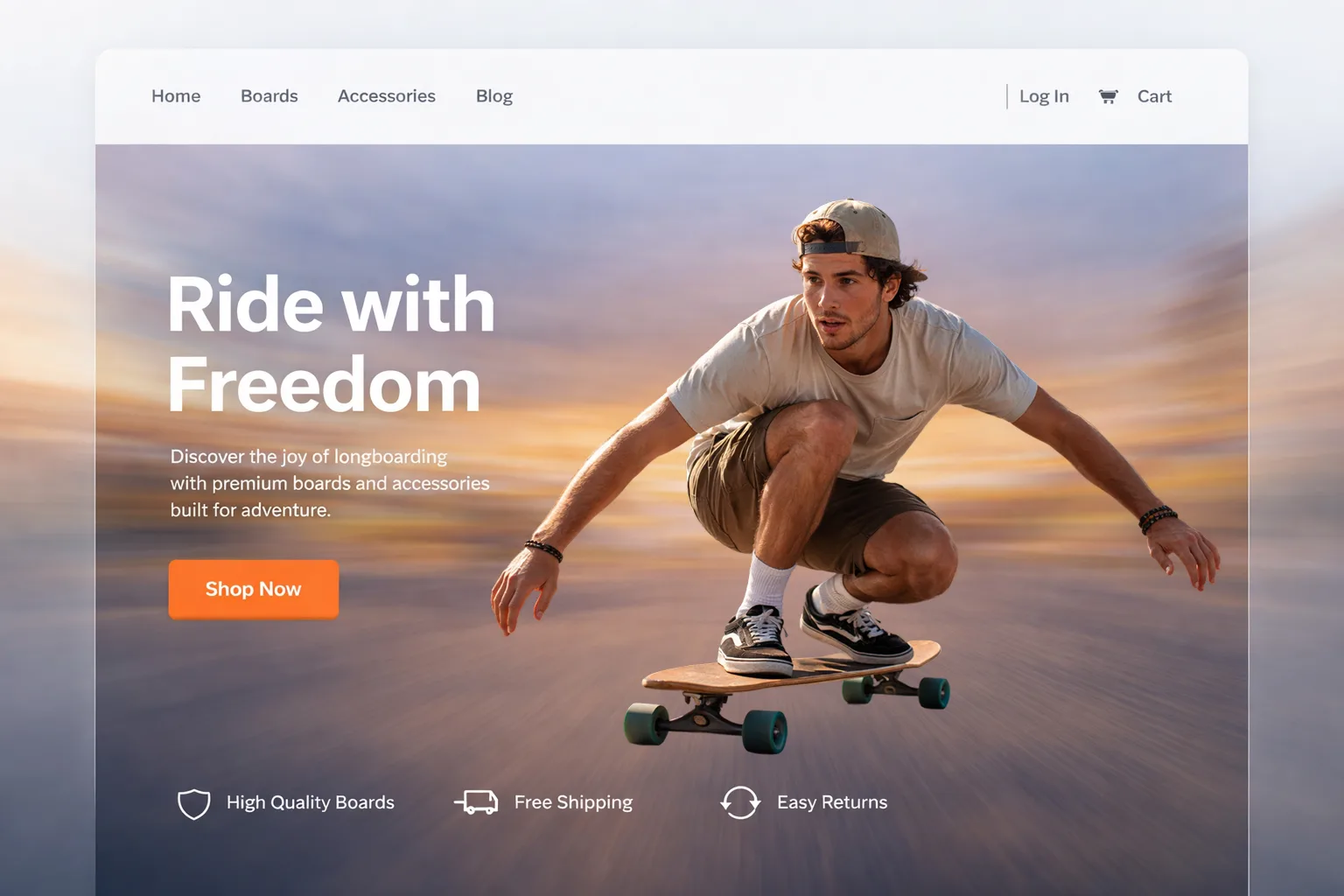
Download and you're done
High-resolution transparent PNG. Or add a new background — your call.
Remove the background. Effortlessly.
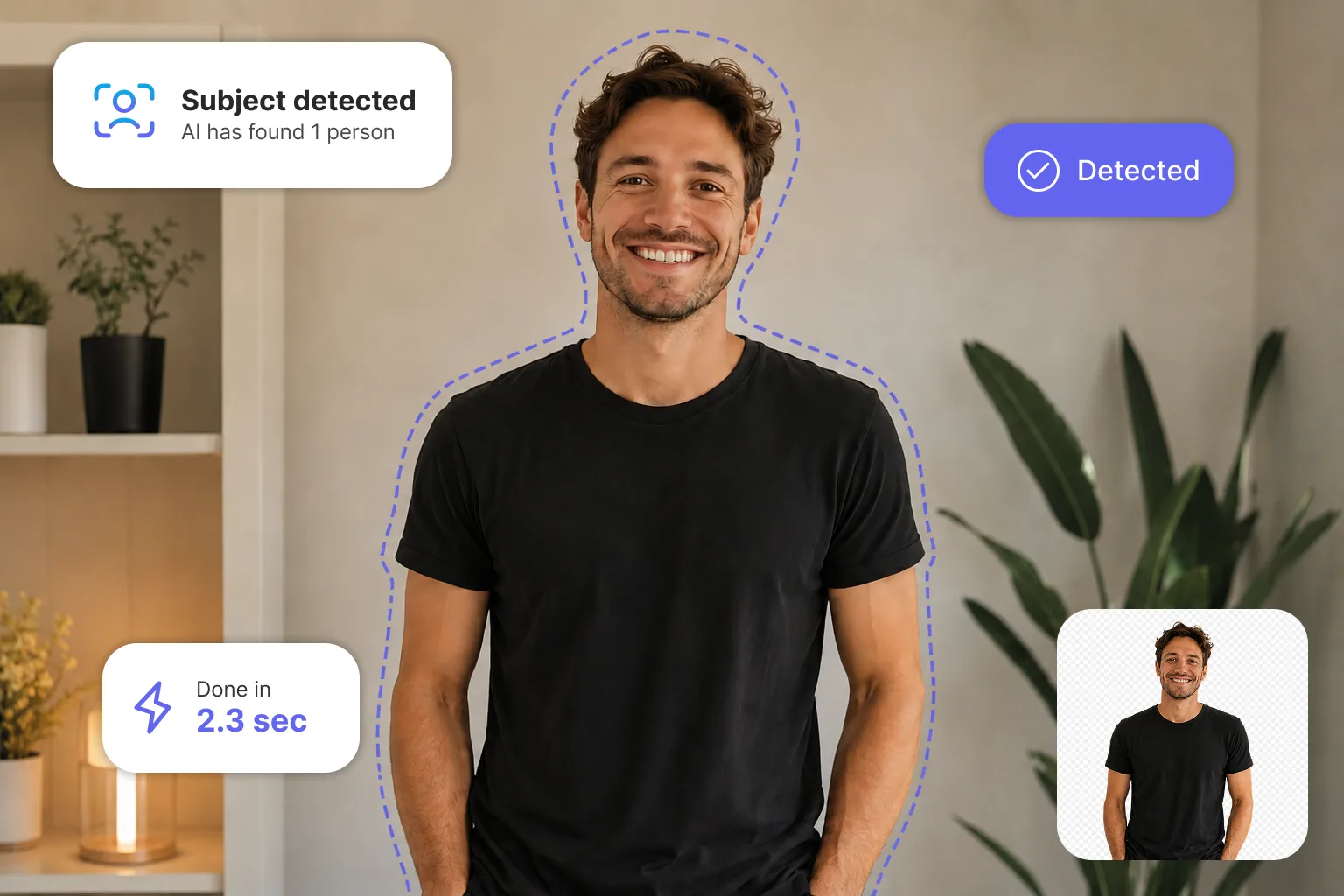
Remove the background. Effortlessly.
Upload your photo and our AI detects the subject instantly. A transparent background ready to use — no Photoshop required.
You're in full control.
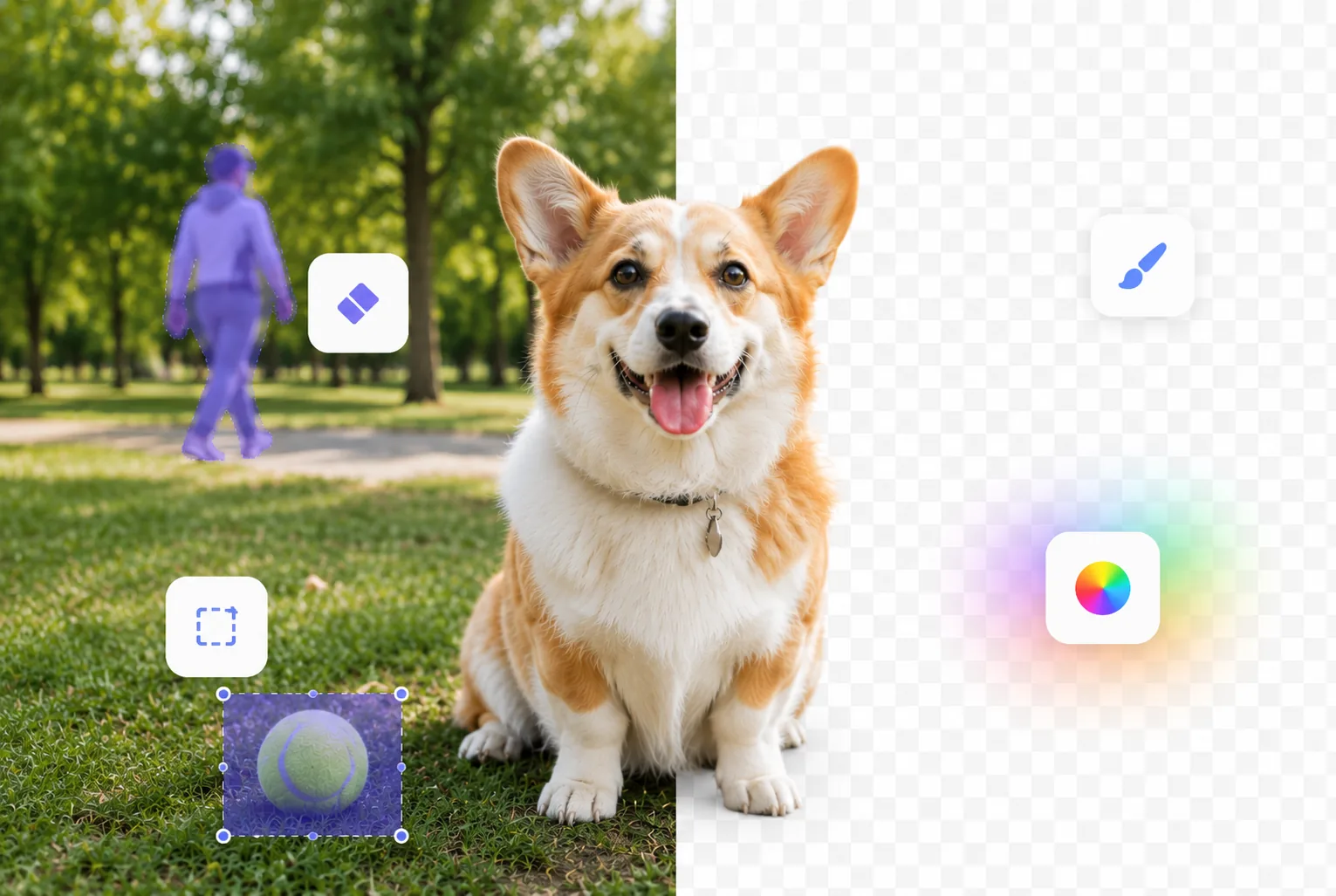
You're in full control.
The automatic result isn't exactly what you need? Our tools give you pixel-level control to make it perfect.
The background your image always deserved.
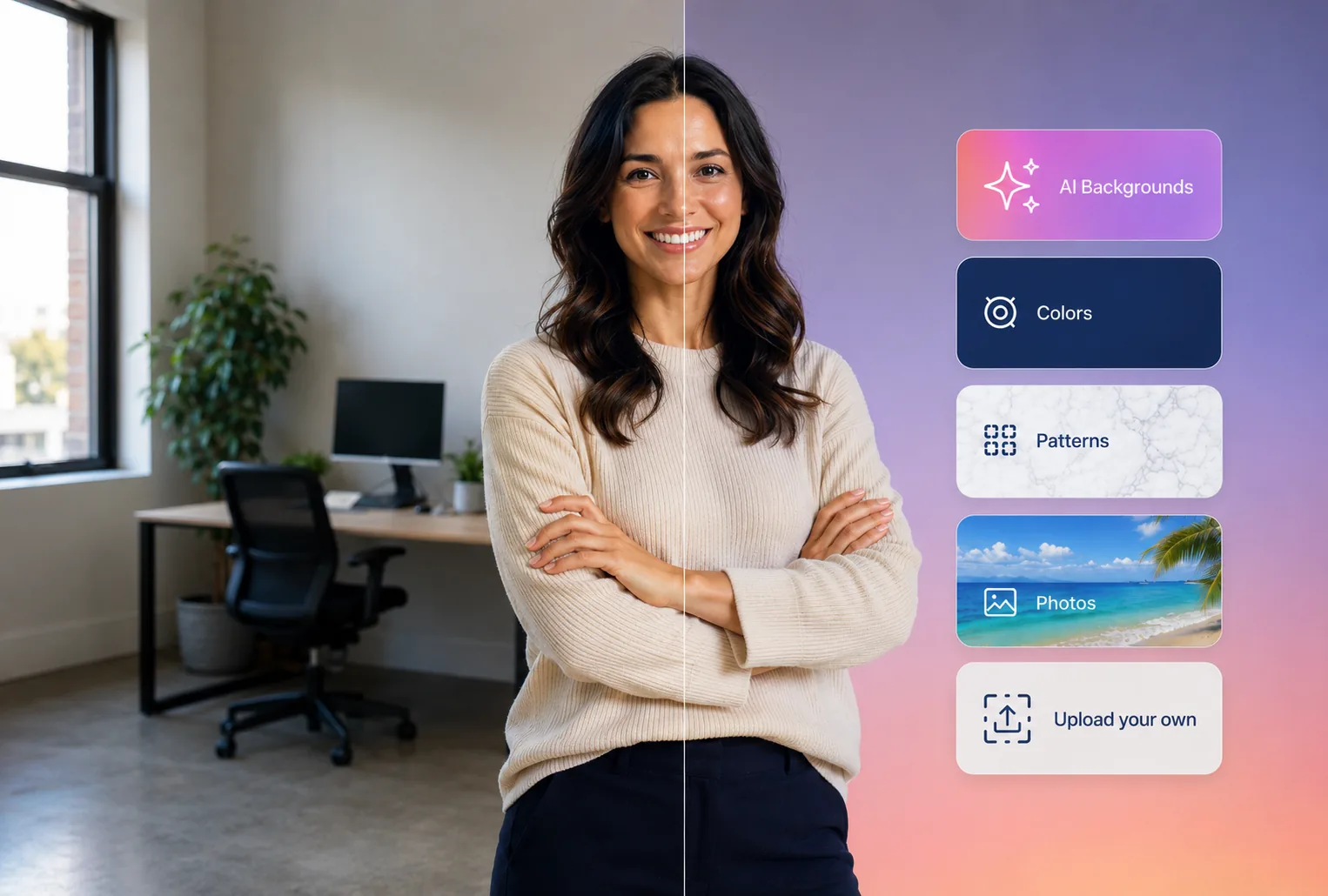
The background your image always deserved.
From a flawless white to a dreamy landscape. Choose from colors, gradients, blur, or upload your own.
The final touch that changes everything.
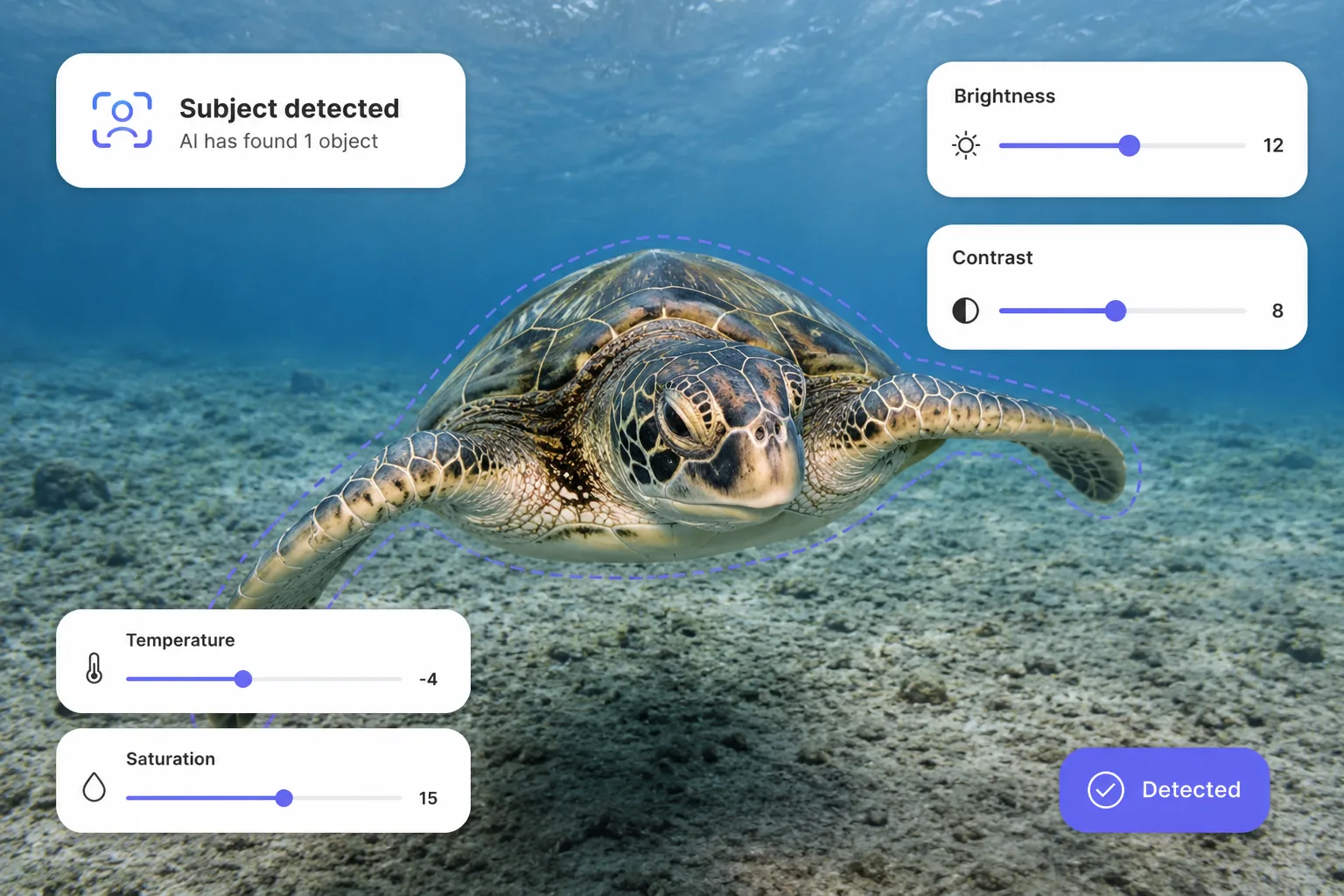
The final touch that changes everything.
Adjust brightness, contrast, temperature, and saturation right in the editor. Professional quality without ever leaving the platform.
What do you need it for?
Remove-Bg adapts to your case. Pick yours.
For individuals
Profile photo, LinkedIn or social media. Professional in one click.
Photographers
From the shoot to the client in minutes, not hours.
E-commerce
Flawless product photos. More clicks, more sales.
Developers
Need to remove a background for your website? No editing software, no plugins. Results in seconds.
Social media
Content that stops the scroll. Stand out in any feed.
Business
A consistent brand image across your whole team.
Over 50 million images processed
It does in 3 seconds what used to take me 20 minutes in Photoshop. The result is just as good.
"The hair detail is amazing. I've tried others and none come close to this level of precision.
"We use Remove-Bg for all our social media creatives. We save hours every week.
"Managing the visual catalog for 8 dealerships is insane. Remove-Bg saved us.
"As a freelance designer, every minute counts. Remove-Bg lets me bill more hours.
"We process more than 190 product photos every week. It saved us from hiring two designers.
"Frequently asked questions
Our model analyzes every pixel of your image to distinguish the main subject from the background, no matter how complex the edges are: hair, pet fur, transparencies, or fine details. The result is generated in seconds and in high resolution, ready to download.
You can upload images in JPG, PNG, WebP, and HEIC. The result always downloads as a PNG with a transparent background or any background you choose, ready to use in any design or platform.
Yes. The model is specifically trained to handle tricky edges like loose hair, fur, lace, or branches. If the result isn't 100% convincing, you can refine it with the erase and restore tools in the built-in editor, or even with our magic brush.
Yes. The built-in editor lets you add a new background (one of your own photos, a solid color, a gradient, a blurred background, or even an AI-generated background) and also edit the image itself, adjusting brightness, contrast, temperature, saturation, or rotation, as well as touching up the edges with the erase and restore brush. All without leaving the app.
The resulting image keeps the original resolution of your file. We don't compress or reduce quality: what you upload is what you get, just without the background.
Yes. You can remove the background from images for free right in your browser. However, to download the result with all changes applied, you'll need to create an account through the trial period.
Yes. The images you process are stored securely on our servers, with encryption in transit and at rest. You can delete them at any time by clicking the trash icon next to each image in the My Images section of your account.
Try it now, no strings attached.
Upload a photo and see the result in under 5 seconds.